



Mobile App Development for Modern Businesses
A mobile app is no longer simply a smaller version of a website.
For many businesses, it can become a direct channel between the company and its customers, employees, partners, or internal operations.
Customers can place orders, track deliveries, book appointments, manage accounts, receive notifications, communicate with support, or access personalized services without opening a desktop browser.
Internally, employees can use mobile applications to manage field operations, update records, approve requests, monitor inventory, or access business information while away from the office.
That is why mobile app development should begin with a business problem—not with a decision to “build an app.”
The strongest applications are designed around what users actually need to accomplish.
Why Businesses Build Mobile Apps
A mobile app can provide capabilities that are difficult to reproduce through a conventional website alone.
Depending on the business model, an application can support:
- Customer accounts
- Mobile payments
- Push notifications
- Loyalty programs
- Booking and scheduling
- Location-based services
- Order tracking
- Customer support
- Field operations
- Employee workflows
- Real-time updates
- Personalized experiences
For example, an e-commerce company might use an app to simplify repeat purchases.
A healthcare organization might use one for appointments and patient communication.
A logistics company might use an application to connect drivers with dispatch operations.
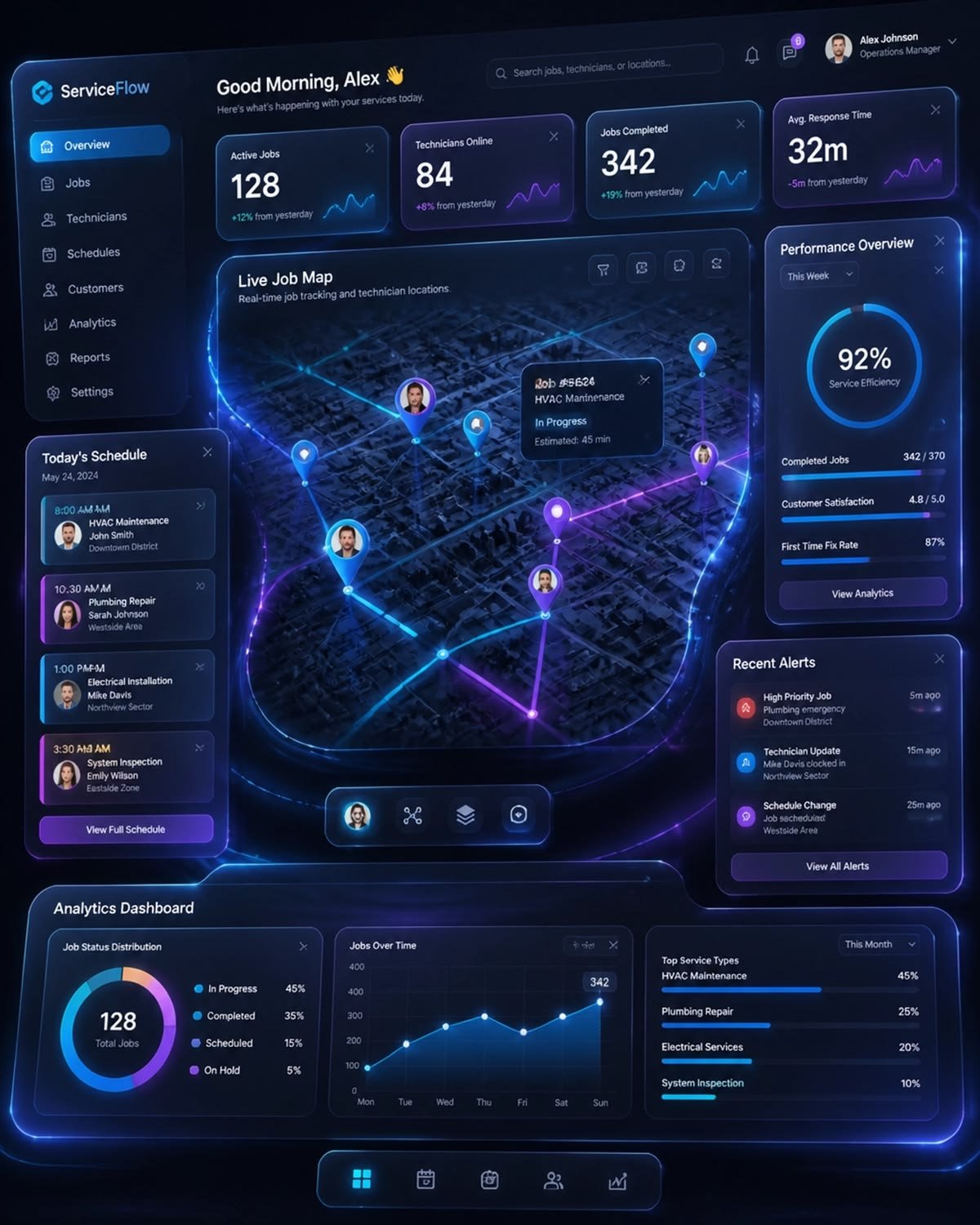
A service business might give technicians a mobile tool for updating jobs directly from customer locations.
The technology is different in each case because the business problem is different.
A Mobile App Should Have a Clear Purpose
One of the easiest mistakes to make is building an application simply because competitors have one.
Before development begins, a business should be able to answer:
Who will use the app?
What problem does it solve?
Why would someone use the app instead of a website?
What action should users be able to complete faster?
What business outcome should the app improve?
If these questions cannot be answered clearly, development may be starting too early.
An app needs a reason to exist.
Customer-Facing vs Internal Applications
Not every mobile application is designed for consumers.
Customer-Facing Apps
These applications may focus on:
- Shopping
- Booking
- Payments
- Loyalty
- Content
- Communication
- Account management
- Personalized recommendations
The emphasis is usually on convenience and engagement.
Internal Business Apps
Internal applications can support:
- Sales teams
- Delivery teams
- Technicians
- Managers
- Warehouse staff
- Field workers
- Operations teams
For example, a field-service application could allow a technician to receive a job, view customer information, update the service status, upload photographs, collect signatures, and complete the job report from a mobile device.
The customer may never see the application.
Yet it can have a major effect on the customer experience.
Native, Cross-Platform, or Progressive Web App?
One of the important decisions in mobile development is choosing the technical approach.
Native Applications
Native apps are developed specifically for an operating system such as Android or iOS.
They can provide strong access to platform-specific capabilities and can be appropriate when performance or deep device integration is important.
Cross-Platform Applications
Cross-platform frameworks allow developers to build applications that can operate across multiple platforms using a shared development approach.
This can reduce duplication and make development more efficient for some projects.
Progressive Web Applications
PWAs combine aspects of websites and app-like experiences.
They can be useful when businesses want broad accessibility without requiring users to install a traditional application.
There is no universally correct choice.
The decision should consider:
- Target users
- Required device capabilities
- Performance requirements
- Budget
- Development timeline
- Maintenance requirements
- Future roadmap
User Experience Determines Whether People Keep Using the App
Getting someone to install an app is only the beginning.
The real challenge is getting them to return.
A good mobile experience should make important actions obvious.
Users should not have to think about where to tap.
Navigation should be predictable.
Forms should be efficient.
Error messages should explain what went wrong.
Important information should be easy to find.
And unnecessary steps should be removed.
This is why UI and UX design should happen before development becomes deeply embedded.
A technically excellent application can still fail if users find it confusing.
Performance Matters More on Mobile
Users can be on different devices, networks, and operating systems.
Some may have high-end smartphones and fast connections.
Others may use older devices or unreliable mobile networks.
Applications therefore need to be designed with performance in mind.
Developers should consider:
- Application size
- Image optimization
- API response times
- Caching
- Database performance
- Background processing
- Battery consumption
- Network interruptions
- Offline behavior
A mobile application should not assume that every user has perfect connectivity.
APIs Connect the App to the Business
A mobile application usually needs access to business information.
That information may live in a database, CRM, e-commerce platform, ERP, payment system, or another application.
APIs provide a way for the mobile application to communicate with these systems.
For example:
Mobile App → API → Customer Database
Or:
Mobile App → API → Payment Gateway → Order System
This architecture makes it possible for the mobile interface to interact with the systems operating behind the scenes.
For a business building a broader digital ecosystem, HiveRift can combine mobile application development with web applications, custom software, APIs, AI capabilities, and other digital systems.
Security Should Be Built Into the App
Mobile applications can handle sensitive information.
Depending on the application, that could include:
- Personal information
- Account credentials
- Payment-related data
- Location information
- Business records
- Customer communications
- Internal company data
Security should therefore be considered throughout development.
Important areas include:
- Secure authentication
- Authorization
- Encryption
- Secure API communication
- Session management
- Input validation
- Secure storage
- Dependency management
- Logging and monitoring
The OWASP Mobile Application Security project provides useful guidance on common mobile application security risks.
Security testing should happen throughout the development lifecycle rather than only before launch.
Push Notifications Need Restraint
Push notifications can be extremely useful.
They can remind customers about:
- Orders
- Appointments
- Deliveries
- Account activity
- Important updates
- Time-sensitive offers
But too many notifications can quickly become annoying.
A useful notification should have a reason.
Businesses should ask:
Does this message provide value to the user right now?
If the answer is no, it may not need to be sent.
Good mobile engagement is based on relevance—not volume.
AI Is Creating New Mobile Experiences
AI can make mobile applications more useful without becoming the entire application.
For example, an AI-enabled app could provide:
Intelligent Search
Users can describe what they want in natural language.
Personalized Recommendations
The application can suggest relevant products, content, or actions based on available data.
AI Assistants
Customers can ask questions and receive contextual support.
Document Processing
Users can upload documents or images for extraction and classification.
Smart Notifications
Systems can prioritize potentially useful alerts instead of sending identical messages to everyone.
Voice Interaction
Certain applications can support voice-based commands or assistance.
The best AI features are those that reduce friction.
Adding an AI chatbot simply because AI is popular is not necessarily useful.
Mobile Apps Can Become Operational Tools
One of the most valuable applications of mobile technology is connecting employees directly to business systems.
Imagine a sales representative visiting a customer.
Instead of writing notes and updating the CRM later, they can update the customer record immediately.
A technician can complete a service report while standing at the job site.
A warehouse employee can scan inventory directly from a mobile device.
A manager can approve an operational request without waiting to return to a desktop.
These are not flashy features.
They are examples of technology removing unnecessary steps from real workflows.
Analytics Should Be Designed Into the Product
A mobile app generates useful information about how customers interact with it.
Businesses can potentially understand:
- Which features are used most
- Where users abandon workflows
- Which screens create friction
- How frequently users return
- Which actions lead to conversions
- Which devices create technical problems
Analytics should be implemented responsibly and in accordance with applicable privacy requirements.
The purpose should be to improve the product—not simply to collect as much data as possible.
Privacy Matters
Mobile applications can have access to powerful device capabilities.
Depending on the application, this may include:
- Location
- Camera
- Microphone
- Contacts
- Files
- Notifications
- Device information
Users should understand why permissions are required.
Businesses should collect only information necessary for legitimate purposes and handle it responsibly.
A privacy-first approach can also improve user trust.
The Mobile App Development Lifecycle
A successful application is rarely built in one giant step.
A practical development process often looks like this:
1. Discovery
Define users, business goals, workflows, and technical requirements.
2. Product Planning
Prioritize features and determine what belongs in the first version.
3. UX/UI Design
Create the user journey, interface, navigation, and interaction patterns.
4. Architecture
Plan databases, APIs, authentication, infrastructure, and integrations.
5. Development
Build the application and supporting systems.
6. Testing
Test functionality, usability, security, performance, and compatibility.
7. Deployment
Release the application through the appropriate channels.
8. Monitoring
Track technical performance and user behavior.
9. Iteration
Use real-world feedback to improve the application.
This final stage is particularly important.
Launching the app is not the end of development.
It is the beginning of learning from real users.
Start With an MVP—But Do Not Build a Bad Product
An MVP, or minimum viable product, is designed to test a core idea with a focused set of features.
It does not mean releasing something careless.
A good MVP should:
- Solve one meaningful problem
- Provide a complete core workflow
- Be usable
- Be secure enough for its intended environment
- Generate useful feedback
For example, a booking application may initially need:
- Account creation
- Service selection
- Availability
- Booking
- Confirmation
Advanced loyalty features and personalization could come later.
The objective is to validate the core experience before investing heavily in secondary features.
What Makes a Mobile App Successful?
A successful mobile application usually combines several factors.
A Real User Need
People have a reason to use it.
Simple Experience
Important actions are easy to complete.
Reliable Technology
The application works consistently.
Good Performance
Users do not have to wait unnecessarily.
Strong Security
Sensitive information is handled responsibly.
Continuous Improvement
The application evolves based on evidence and feedback.
The most sophisticated application is not automatically the most successful one.
The most useful one often wins attention by making something genuinely easier.
Final Takeaway
Mobile app development is not simply about creating an application for a smartphone.
It is about creating a useful digital experience that fits naturally into the user’s life or the organization’s workflow.
For customers, that might mean easier shopping, booking, communication, or account management.
For employees, it might mean faster field operations, better information access, and fewer administrative tasks.
AI, APIs, cloud infrastructure, analytics, and modern development frameworks can make these applications increasingly capable.
But technology should remain secondary to the problem being solved.
Start with the user. Define the workflow. Build the right experience. Then choose the technology that supports it.
That is how a mobile application becomes more than another icon on someone’s phone—it becomes a useful part of the business.


