



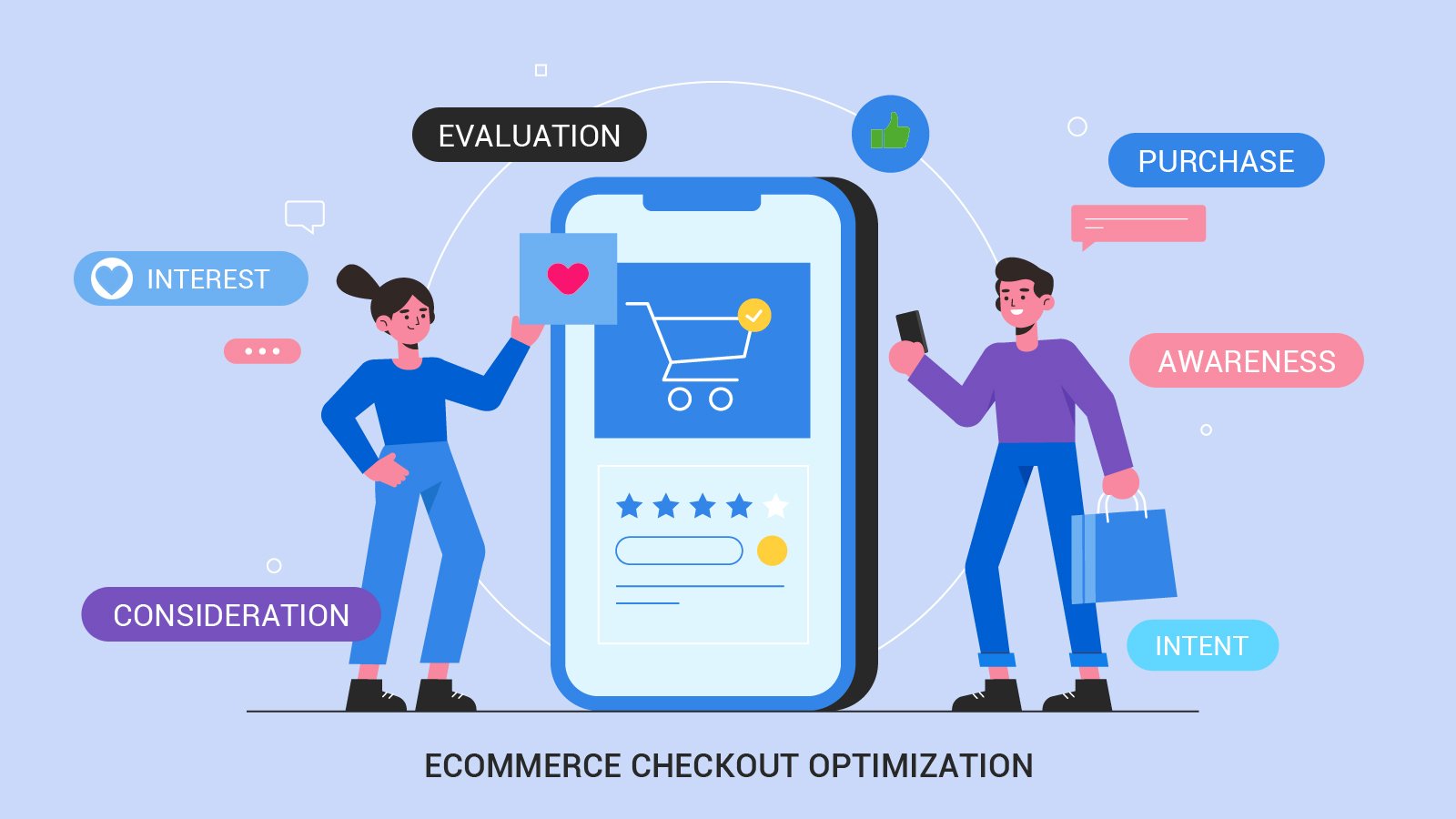
Checkout Optimization: 7 Ways to Win More Sales
A customer finds your online store, discovers a product they like, checks the price, and adds it to their cart. Everything seems to be going well.
Then they reach checkout.
Suddenly, they are asked to create an account, fill in a long form, search for a delivery charge that was not shown earlier, or figure out which payment option to use. They hesitate. They open another tab. Sometimes, they leave without buying anything.
For an e-commerce business, that is a frustrating moment. You have already done the work of attracting the visitor and helping them find a product. Now the final step is getting in the way.
This is where checkout optimization matters.
It is the process of making the purchasing process easier, clearer, and more trustworthy so customers can complete their orders with less unnecessary effort. It does not mean removing every question or adding flashy buttons. It means identifying the things that make buyers hesitate and fixing them.
Here are seven practical ways to improve your checkout experience without making the process unnecessarily complicated.
Why Checkout Optimization Matters
Customers do not judge an online store only by its product range or design. They also judge how easy it is to buy from it.
A confusing checkout can introduce doubt at exactly the moment a customer is deciding whether to spend money. Unexpected charges, unclear delivery information, technical errors, and complicated forms can all create friction.
Not every abandoned cart can be recovered. Some shoppers are comparing prices, saving products for later, or simply exploring. The aim is not to eliminate every abandoned cart; it is to prevent avoidable problems from stopping people who genuinely want to purchase.
Before changing your checkout, review your existing process. Identify where shoppers leave, which fields cause errors, and whether mobile users experience different problems from desktop users.
Use that information to decide what needs attention first.
1. Keep the Checkout Process Simple
Every additional step gives a customer another opportunity to become distracted or frustrated.
That does not mean every store needs a single-page checkout. A multi-step process can work well if it is clearly organized and each step has a purpose.
Start by reviewing what customers must do before placing an order.
Do they need to enter the same information twice? Are you asking for details that are not necessary to fulfil the order? Can delivery options be presented more clearly? Is the next action obvious at every stage?
Remove unnecessary fields and group related information together.
For example, a store selling ordinary physical products may need a delivery address and contact information. It may not need to ask every customer for a separate account password, company name, or additional personal details.
If you sell products that require customization or special delivery arrangements, some extra questions may be necessary. Explain why the information is needed rather than making customers guess.
The goal is a checkout that feels straightforward, not one that sacrifices important order information just to reduce the number of fields.
2. Offer Guest Checkout
Some customers want to make a purchase without creating another online account.
They may be buying from your store for the first time, shopping in a hurry, or simply prefer not to manage another password. Requiring registration before purchase can become an unnecessary barrier.
Guest checkout lets customers complete an order using the information required for that transaction without creating a permanent account first.
You can still offer account creation after the purchase. For example, customers might be able to create an account using their order details once the payment is complete.
If accounts are essential to your business model, explain why and make registration as simple as possible.
For most ordinary retail purchases, however, it is worth testing whether guest checkout helps more customers complete their orders.
Also, avoid making guest checkout difficult to find. If returning customers can sign in, new customers should still be able to identify their purchasing option easily.
A customer who is ready to buy should not have to solve an account-management problem before placing an order.
3. Show the Full Cost Before Payment
Few things damage purchasing confidence as quickly as an unexpected charge.
A shopper sees a product listed at one price, reaches checkout, and discovers an additional delivery fee, service charge, or tax they did not anticipate. Even if the final amount is legitimate, the surprise can make the purchase feel less attractive.
Be transparent about costs as early as practical.
Show delivery charges, applicable taxes, discounts, and other relevant fees before the customer commits to payment. If the exact delivery cost depends on the address, explain that clearly and calculate it as soon as the necessary information is available.
A useful order summary should let customers review:
- Product names and quantities.
- Item prices and applied discounts.
- Delivery or shipping charges.
- Applicable taxes and additional fees.
- The final amount payable.
Make it easy to correct a quantity or remove an item without forcing the customer to restart the entire process.
If free shipping is available only above a minimum order value, communicate the condition clearly. Do not advertise a benefit in a way that creates a misleading impression about what the customer will pay.
Honest pricing helps customers make informed decisions and reduces unpleasant surprises at the final stage.
4. Make Mobile Checkout Comfortable
Many shoppers browse and purchase products on their phones. Yet checkout forms are sometimes designed as though every customer is sitting at a large desktop monitor.
Small input fields, crowded layouts, tiny links, and awkward keyboards can turn a simple purchase into a frustrating experience.
Test your checkout on real mobile devices, not just by shrinking a desktop browser window.
Pay attention to the following details:
Readable fields: Input boxes and labels should be easy to see without unnecessary zooming.
Appropriate keyboards: Use suitable input types for email addresses, telephone numbers, and numeric fields where appropriate.
Clear buttons: Make the primary action easy to identify and comfortable to tap.
Useful error messages: Explain what needs correcting and keep the entered information whenever possible.
Stable layouts: Prevent buttons and form elements from shifting unexpectedly as the page loads.
Simple address entry: Use sensible field labels and avoid asking for the same address information repeatedly.
Mobile checkout should also work well with autofill, accessibility tools, and password managers where applicable.
A practical test is to ask someone unfamiliar with your store to complete a purchase using only their phone. Watch where they hesitate. Their confusion may reveal problems that your development team no longer notices because they already know how the form works.
5. Provide Payment Options Customers Can Trust
A customer may be ready to buy but unable to use the payment method your store offers.
Depending on your audience and market, relevant options might include debit and credit cards, digital wallets, bank-based payment methods, or other supported services.
You do not need to support every payment method available. Choose options that suit your customers, your region, and your business model.
Make payment choices easy to understand, and explain any important restrictions before the customer reaches the final step.
Security and trust matter just as much as choice. Use reputable payment providers, configure HTTPS correctly, and avoid collecting or storing sensitive payment information unnecessarily.
If your payment provider supports secure hosted checkout or tokenization, understand how those features work and what responsibilities remain with your business.
Keep error messages helpful. If a transaction fails, explain what the customer can do next without displaying sensitive payment details.
Most importantly, do not claim that a payment method is available unless it is genuinely supported and configured for your store.
The right combination of familiar payment options, clear instructions, and dependable processing can make the final purchase step feel much less uncertain.
6. Build Confidence With Clear Delivery and Return Information
Before placing an order, customers often want answers to a few practical questions.
When will the product arrive? Can it be returned? What happens if the item is damaged? How can they contact the business if something goes wrong?
If these answers are difficult to find, customers may delay the purchase or leave to look for another seller.
Display relevant delivery estimates and return information near the point where they influence the decision. Link to the full policies for customers who need more detail.
For products with different shipping timelines, explain the differences clearly. If delivery dates are estimates rather than guarantees, say so.
Make your contact information and customer support options easy to locate. If your store has specific return conditions, exclusions, or restocking fees, communicate them before purchase rather than hiding them in a long policy document.
Trust signals should also be genuine. Use accurate business details, secure payment methods, authentic customer reviews, and clear policies. Avoid fake countdowns, invented testimonials, or misleading claims about stock availability.
A trustworthy checkout gives customers enough information to decide confidently without overwhelming them with unnecessary text.
7. Test Changes Instead of Guessing
It is easy to assume that a shorter checkout, a different button colour, or a new payment option will automatically improve sales.
Sometimes it will. Sometimes it will make little difference.
The reliable approach is to identify a problem, make a focused change, and measure what happens.
Start with useful checkout metrics, such as:
- The percentage of checkout starters who complete an order.
- Form validation errors.
- Payment failure rates.
- Checkout abandonment by device.
- The time customers take to complete checkout.
- Successful orders and revenue.
Define the metrics carefully. For example, checkout completion rate depends on how you define a checkout start, and the result can be misleading if tracking is inconsistent.
If your traffic and analytics setup support it, use controlled A/B testing to compare two versions. Change a limited number of elements at a time so you can better understand what contributed to the result.
For smaller stores, even structured usability testing can reveal major issues. Ask a few people to complete a realistic purchase task and observe where they become confused.
Check the results over an appropriate period and consider factors such as device type, product category, traffic source, and average order value.
Do not judge success by button clicks alone. The important question is whether the changes help customers complete genuine purchases without creating new problems.
Common Checkout Mistakes to Avoid
Even well-designed online stores can make checkout harder than necessary.
Forcing account creation: Registration may be useful, but it should not create avoidable friction when guest purchasing is suitable.
Revealing costs too late: Unexpected charges can undermine confidence at the final step.
Asking for unnecessary information: Every field should have a clear purpose.
Ignoring mobile users: A checkout that works on desktop may still be difficult to use on a phone.
Hiding important policies: Delivery, returns, and contact details should be easy to find.
Using confusing error messages: Tell customers what went wrong and how to fix it.
Making changes without measurement: A design that looks better does not necessarily produce better purchasing outcomes.
The best checkout improvements often come from removing small frustrations rather than adding complicated new features.
Conclusion: Make Buying Easier for Your Customers
Checkout optimization is about respecting the customer’s time and helping them complete a purchase with confidence.
Keep forms simple, offer suitable purchasing options, show the full cost clearly, make mobile checkout comfortable, and provide dependable payment and delivery information. Then measure the results to see which improvements actually help.
You do not need to redesign your entire online store at once. Start with the biggest source of friction, fix it carefully, and continue improving based on real customer behaviour.
If your business is building or improving an online store, visit HiveRift US to explore its web and software development services and learn how a better digital experience can support your business goals.
Frequently Asked Questions
1. What is checkout optimization?
Checkout optimization is the process of improving the final purchasing steps in an online store. It focuses on reducing unnecessary friction, making costs clear, improving usability, and helping customers complete orders successfully.
2. Why do customers abandon online checkouts?
Customers may leave because of unexpected charges, required account creation, complicated forms, limited payment options, delivery uncertainty, technical errors, or concerns about trust. Some also abandon carts intentionally while researching or comparing products.
3. Does guest checkout improve conversions?
Guest checkout can remove the barrier of mandatory registration for customers who do not want to create an account. Its effect depends on the store and its audience, so measuring the results is worthwhile.
4. How can I improve mobile checkout?
Use readable fields, clear labels, suitable mobile keyboards, accessible buttons, helpful error messages, and reliable autofill support. Test the complete purchasing process on real mobile devices.
5. Which checkout metrics should I track?
Useful metrics include checkout completion rate, payment failures, form errors, abandonment by device, and completed orders. Track definitions consistently and consider business outcomes rather than relying on isolated engagement numbers.
6. Should I use a one-page checkout?
Not necessarily. A one-page checkout can work well for some stores, while a clearly organized multi-step process may suit others. Test the experience with your products, customers, and required order information.
7. How often should checkout be tested?
Test checkout after significant website updates, payment changes, or changes to shipping and tax rules. Periodic usability checks and ongoing error monitoring can also help you identify issues before they affect too many customers.


